Tuesday Tutorial: Marty & Minnie Postcard

by Ted Slampyak on September 7, 2010

in Illustration

This is a demonstration of the vintage-postcard effect I make using photographs, using Photoshop.

This is the photograph, of our fine pups Marty & Minnie, taken near our home. As you can see, they’re back lit, and rather dark — especially Minnie, who’s black to begin with.

The first thing I did was copy the photo as a new layer, so I could save the untouched photo should I need to refer to it. To the new copy of the photo I removed all the color, then played with the brightness and contrast in Curves to bring out what detail I could. I also used the Dodge tool quite a bit in the dogs’ black fur to bring up some texture. This is what I managed to get:

Some of the image seems pretty washed out. That’s good — since my next step is to add color back in, I want the image to have fewer gray tones to muddy the color up, especially in the sky, which I want to be pure color. But I do want some grayness, because we still want to see the photograph mixed in with the color. And the grays provide a lot of color subtlety you don’t want to add in yourself.

This is what I finally got for the color field. Notice that the colors are simple, especially in the backgrounds. We don’t want to faithfully reproduce all the color — we wouldn’t have taken it out if we did. We want to make a wash of simple colors that would have been easy to print back in the day. Whenever possible, keep the CYMK palette to as few colors as possible — a sky blue can be a simple percentage of cyan alone, or maybe some magenta or yellow added in, but don’t use more colors than you have to. This sky was a cyan-yellow mixture than blended down into just yellow near the horizon. Postcard makers were always doing blends for the skies, often into sunset colors like yellow or magenta, so go with that when you can — it’s one of the trademarks of a vintage postcard.

Keep in mind that I made the colors looking at the black-and-white photo layer shown above. It was set to Multiply on a layer above these color layers, so what I was seeing wasn’t this isolated color, but the color working with the photo. Oh, and the tree branches in the background were quickly selected by using Select Color Range on the original photo, then pasting the desired branch colors inside. I did them and the dogs on different backgrounds from the sky, so I could easily modify them separately.

Here’s the image with the altered photo married to the new simpler colors, and the type added in as well. After you’ve used the altered photo to create your colors, it’s a good idea to try turning down the opacity of it a little, and see if that makes the image a little brighter without losing the image quality. You can get away with more than you think you can. The photo opacity in the above shot is set at 80%.

For some projects, this might be the end of the job. However, if you really want to sell that vintage look, you now have to “antique” your image with some “distressing.”

Way back in June of 2007 I posted about adding this distressed look to old pulp-style cover art. In it I showed an old inside book cover that I scanned for its weathered, stained look. I’ve been using that scan ever since, for dozens of different projects, flipping it, distorting it, changing its brightness, tint and contrast, to make it work. Here’s that scan again, reshaped to fit the postcard. Once I have it in position, I’m going to select Multiply on the layer, then play with Opacity until I get the amount of weathering I want. I’ll also use Select Color Range on the white in the layer, and create another layer of just the white scratches and tears. (I might make those scratches a yellowy off-white.) That layer will remain Normal with a high opacity, nearly 100%, so it looks like the printing was scratched off.

And here’s the final product, with everything put together. There are other things you can do to push the vintage look even further if the piece is going to be in print, such as creating your own halftone patterns for the different color channels and even offsetting on color a little to look like old, imperfect, printing presses.

{ 0 comments }

Monday Morning Marty & Minnie!

by Ted Slampyak on September 6, 2010

in Illustration

Today’s Monday Morning Marty & Minnie is an old postcard I picked up at a flea market over the weekend that dates to about 1957.

No, this is a photo I took of them about two years ago, put through my vintage-postcard technique. The photo was stripped of its original color and bleached out, then hand-tinted with simple colors the type added. There was more to it, of course, which I’ll cover in a tutorial post very soon.

{ 0 comments }

U.S. Open Under Way

by Ted Slampyak on September 2, 2010

in Illustration

I love the U.S. Open. I’m a tennis fan, and tennis doesn’t get any better than the U.S. Open! So last November, when the USTA, the governing body that runs the U.S. Open, contacted me about putting together sketches for “theme art” (posters, banners, t-shirts, etc.) for this year’s tournament, I was floored. I wrote about this at the time. They hired me and three other artists to come up with ideas, and even though they didn’t pick mine, it was a fun experience, they were terrific to work with, and I hope they contact me again this November for next year’s Open! (I’ll be contacting them, too, just in case!)

To celebrate the U.S. Open starting this week, I’m showing off another of the sketches I did for them. Enjoy the tournament, everyone!

{ 0 comments }

One Fine Sunday in the Funny Papers

September 1, 2010

John Read, publisher of “Stay Tooned!” magazine, has put together an amazing traveling exhibit of original art from 135 comic strips that all ran in the newspapers on April 11 of this year. I’m very proud that my art from Annie is included in the exhibit. The entire list, courtesy of The Daily Cartoonist, is:

ADAM@HOME [...]

Read the full article →

How I Draw a Comic Strip

August 20, 2010

(This is an “encore presentation” of one of my most popular posts, which after a couple of years and a couple of server changes is no longer with us. Nor, sadly, is Annie, but the article refers to that strip in the present tense.)
Welcome to my summary of putting together a comic strip. Or at [...]

Read the full article →

Lemonade Mouth

August 12, 2010

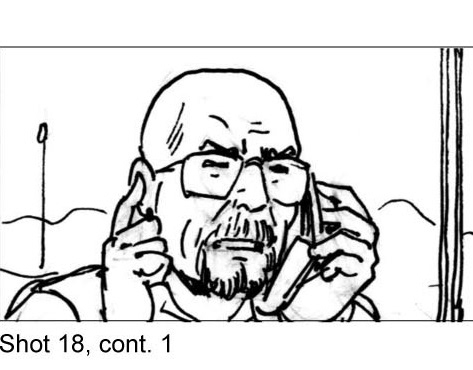
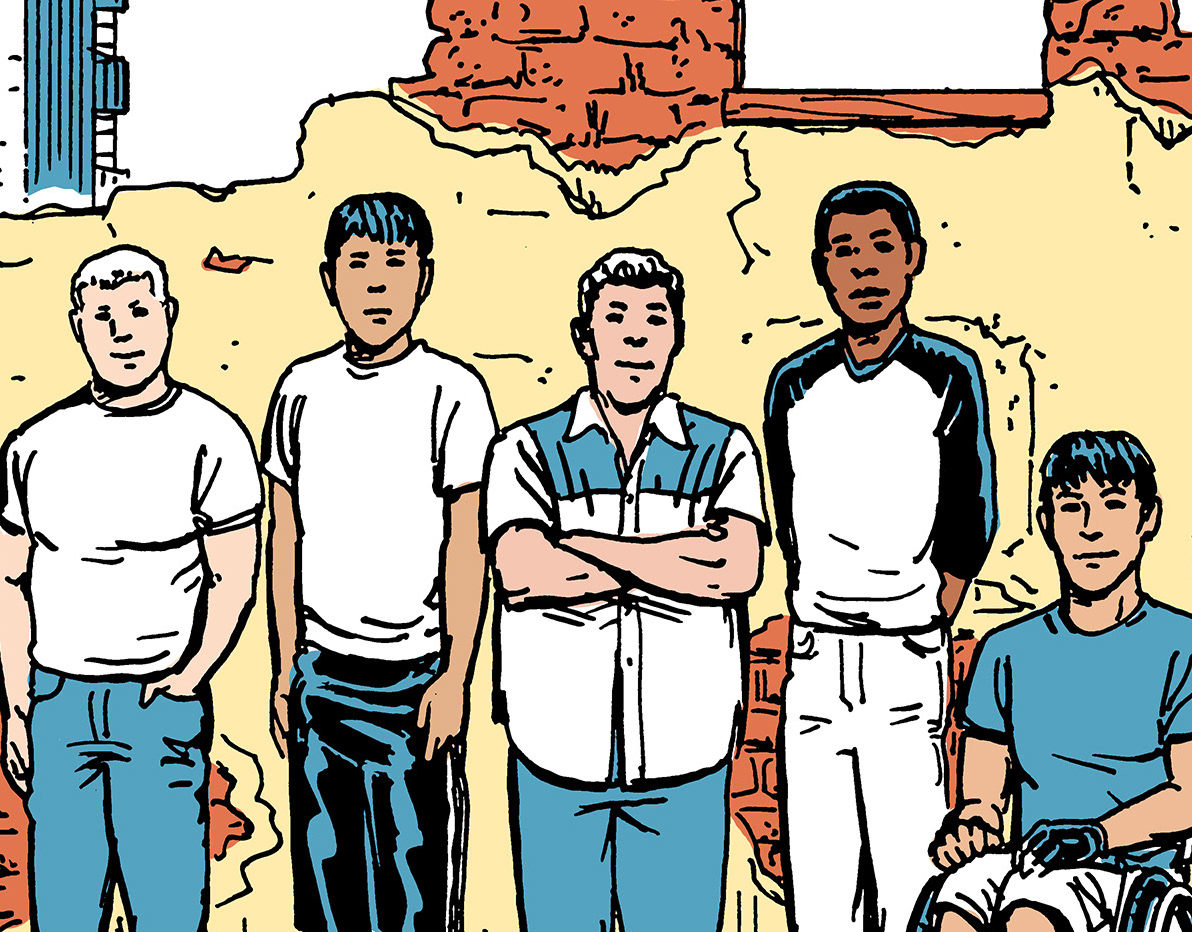
I’m in the midst of drawing storyboards for the Disney Channel movie Lemonade Mouth, which is filming here in New Mexico right now. It’s based on the novel of the same name by Mark Peter Hughes, about a group of students who start a rock band.
The Director, Patricia Riggen, and Director of Photography Checco Varese, [...]

Read the full article →

Little Orphan Girl, We Salute You!

May 13, 2010

After 86 years in the daily and Sunday newspapers of America, the comic strip Annie (formerly known as Little Orphan Annie) will end its run on Sunday, June 13.
I wasn’t the first Annie artist, or the longest running (That’s Harold Gray to both), but I was its last.
I drew the last strip over a week [...]

Read the full article →

Jack & Jill Illustrations

February 21, 2010

Ted recently completed a series of illustrations for HK Advertising in Santa Fe for an ad campaign for Los Alamos Medical Center. They wanted a look to recall old children’s book illustration, but in a contemporary setting.

Read the full article →

Art for the US Open — Almost!

January 12, 2010

In November I received one of the greatest honors of my career — the chance to put together comps for the theme art for this year’s US Open tennis tournament in Flushing Meadow, New York!
“Theme Art” is their phrase — it means artwork that would be used as a poster, program cover, banner, t-shirts and [...]

Read the full article →

Monsters of Webcomics!

August 8, 2009

From the Cartoon Art Museum press release:
“The Internet has revolutionized all forms of communication, and comics are no exception.  The Cartoon Art Museum explores the digital revolution in its latest exhibition, Monsters of Webcomics, a showcase of some of the best and boldest work published on the World Wide Web.
Cartoonists choose to work on the [...]

Read the full article →